Process Studio for the Public Service



All Your Business Processes, Finally Centralized and Traced


A simple and powerful BPM software to increase efficiency
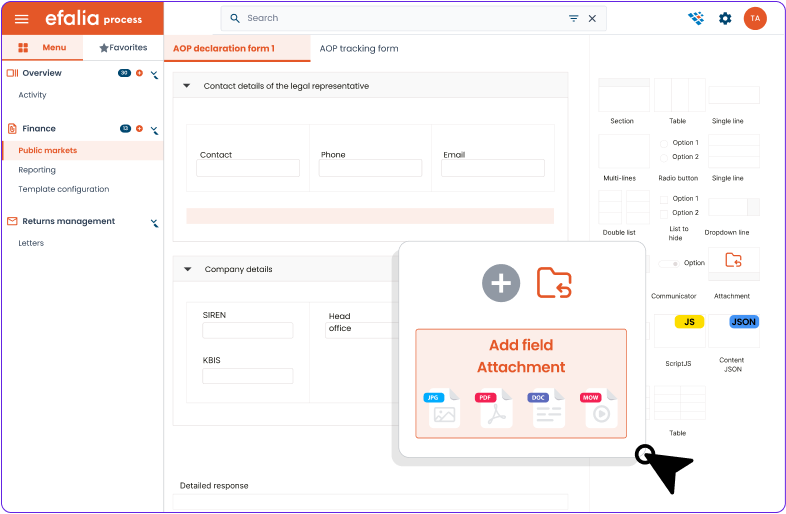
Create and adapt your processes independently
Design workflows adapted to your business needs and centralize all your procedures in a single tool.
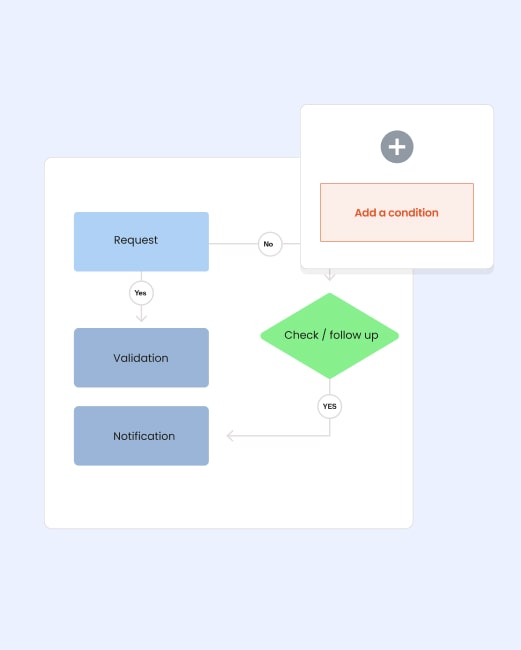
Intuitive designer
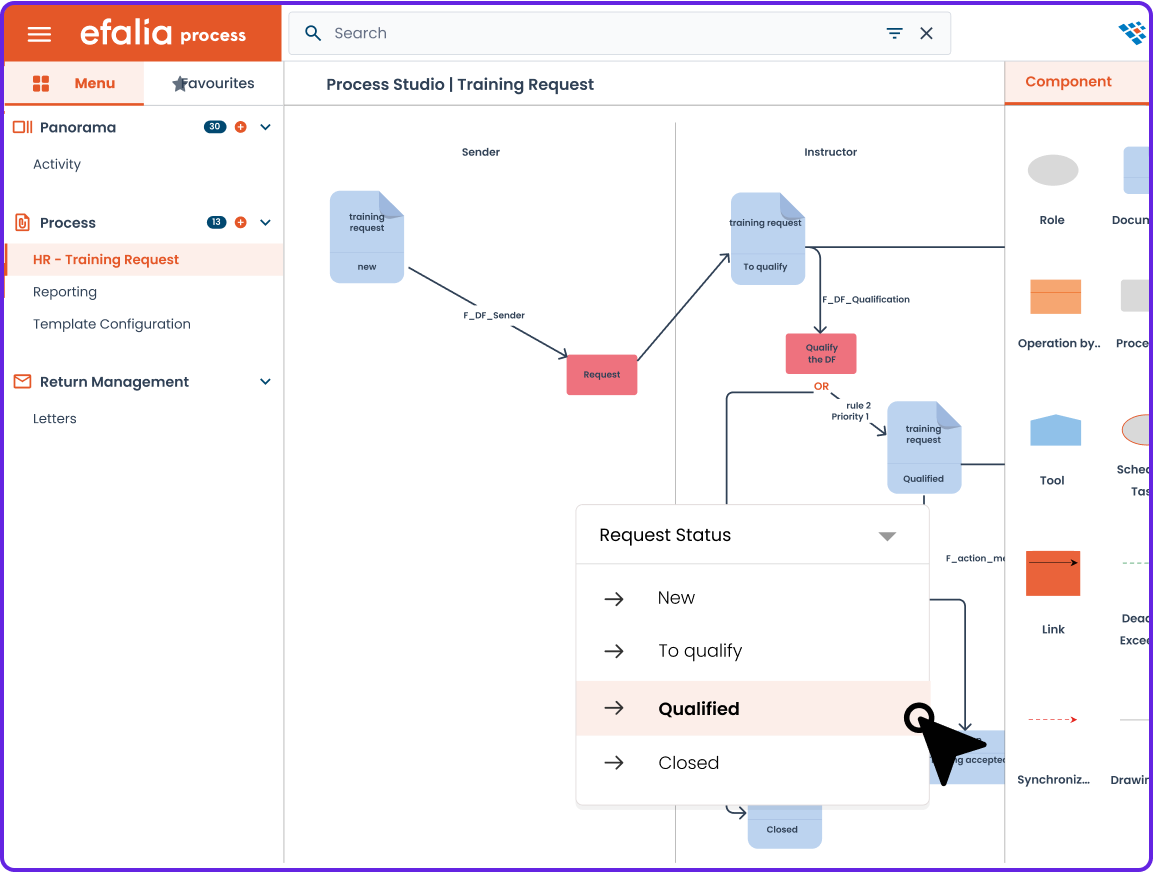
Build a step-by-step process with a graphical editor that is simple and understandable for everyone.
Flexible parameterization
Add, remove, or change steps on the fly to handle special cases.
Multi-process and multi-service
Combine your HR, financial, technical or cross-functional processes in a unified interface.
Manage your requests and prioritize your actions
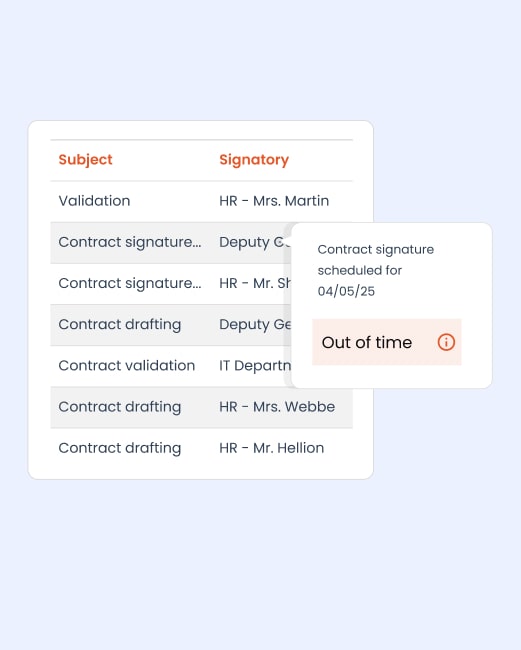
Optimize your daily management with personalized views and automatic alerts so you don't miss out.
→ Custom views per profile
Each user (agent, department manager, CIO) only sees his tasks and indicators.
→ Alerts and prioritization
Automatic notifications for emergencies, missed deadlines, and pending validations.
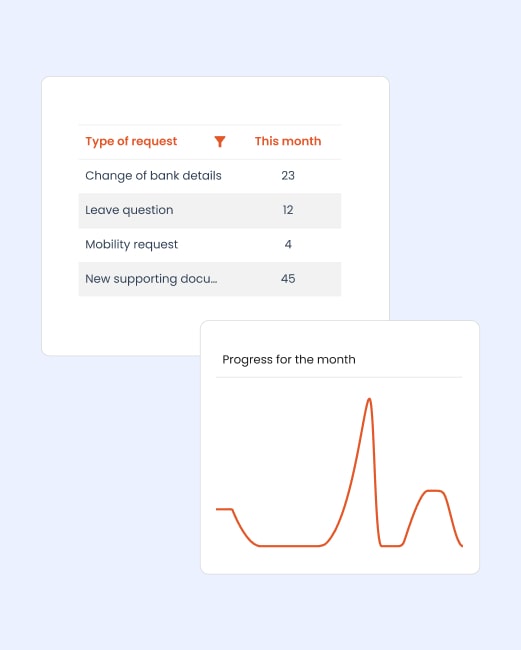
→ To-do list and smart sorting
Filter, group, and organize requests for quick and structured processing.
Reliable management, connected to your IS
Guarantee the traceability of your processes and streamline their integration with your digital ecosystem.
→ Full action log
Each treatment is time-stamped, offering total traceability for your internal or external audits.
→ Native interoperability
Connection with your HRIS, EDM, initiators and databases for end-to-end digitization.
→ Security and rights management
Fine assignment of roles and multi-level management to ensure confidentiality and limit errors.










Examples of processes in the public service

For CIOs

For HR directors
Managing director
Discover our complementary solutions



%20(1).png)

FAQ
Is the solution suited to the security constraints of the public sector?
Absolutely. Our platform is SecNumCloud certified and hosted in France.
Can our teams really create processes without technical skills?
Absolutely! Our no-code/low-code studio lets you model your workflows with simple drag and drop. Public sector staff can create their own processes after initial training, without systematically depending on the IT department.
How does the solution integrate with our existing business tools?
Efalia Process integrates natively with your ecosystem thanks to our API-first approach. We have standard connectors for the main HRIS, EDM and public-sector business tools.
How are indexing and metadata handled for EDM integration?
Each process step automatically generates standardized metadata (date, contributor, department, type of action) according to your filing plan. Documents are indexed and then sent to Efalia Doc with their attributes, ensuring automatic filing and powerful multi-criteria search.
What support do you provide for the deployment?
Our proven methodology covers the analysis of your needs, the modeling of your first processes, the training of your teams and change management. A dedicated project manager assists you throughout the deployment phase.